 CruiseStar
Rate & remember
1–5 scores, sailed marks, and bucket lists — kept on each ship page.

CruiseStar
Charting the fleet…
How CruiseStar works
CruiseStar is a first-party log of ocean ships. Rate what you’ve sailed, save what you want next, talk with other sailors, and keep a simple record you can return to every trip.
1–5 scores, sailed marks, and bucket lists — kept on each ship page.
Ship rooms, sailing roll calls, and activity from people you follow.
Blogger stories with live ship photos, ratings, and reviews inside.
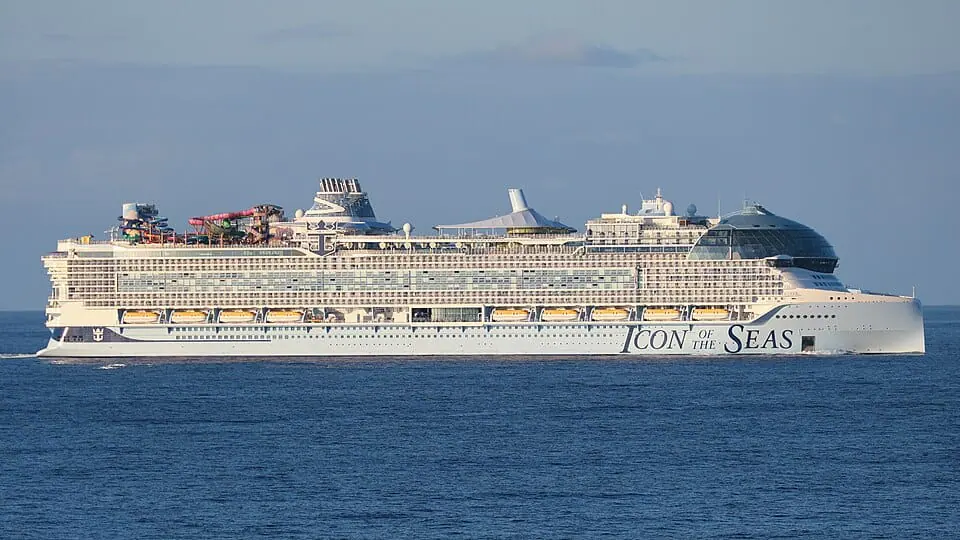
Icon of the Seas
Step 01
Search by ship name, cruise line, or IMO. Browse popular ships from this month, or open a line page when you already know the brand.

Oasis of the Seas
Step 02
On a ship page you leave a 1–5 rating (half stars allowed), mark that you’ve sailed, or save it to your bucket list. Hearts and sailed marks are separate from the score.

Symphony of the Seas
Step 03
Scroll a ship page for public reviews from other sailors. Leave your own when you have something useful to say — real notes beat empty stars.
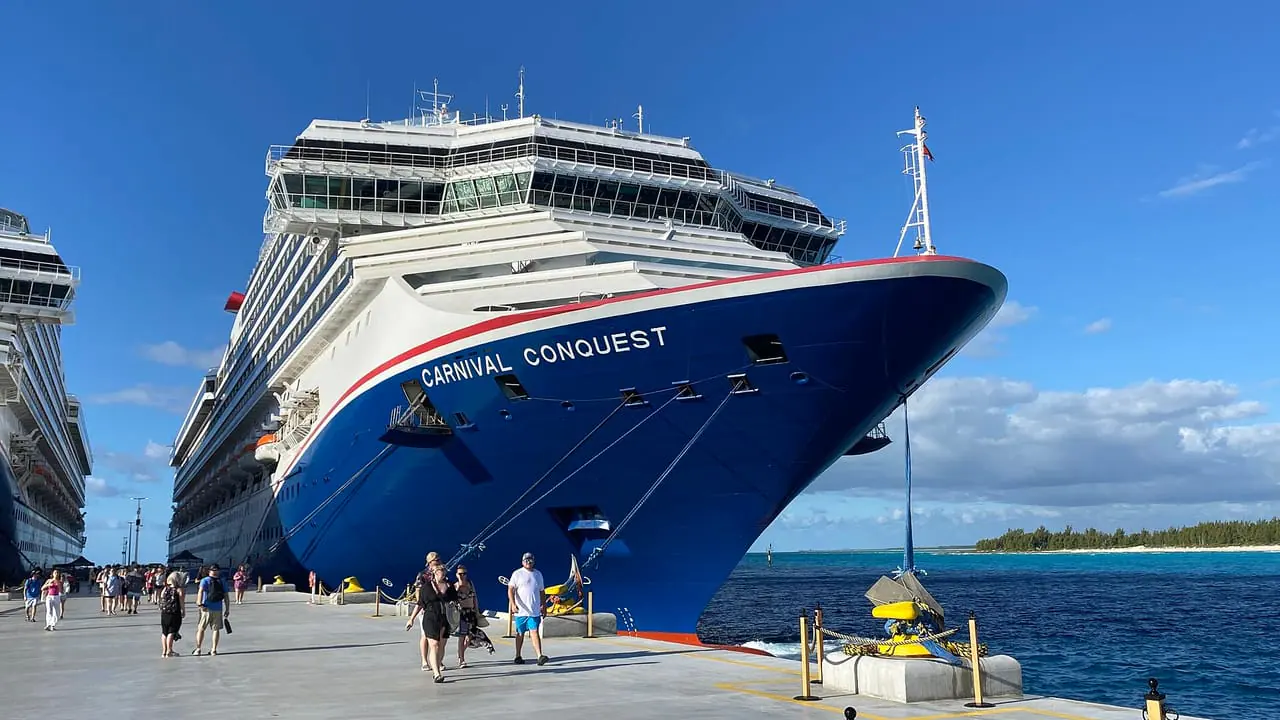
Carnival Conquest
Step 04
Every ship has a group chat. Roll-call chats gather people on the same sailing dates. Community keeps rooms usable with reports and kicks.

Disney Wish
Step 05
Search sailors by username, follow people you sail with, and watch friend activity on Home and in Friends. Mutual follows unlock DMs.
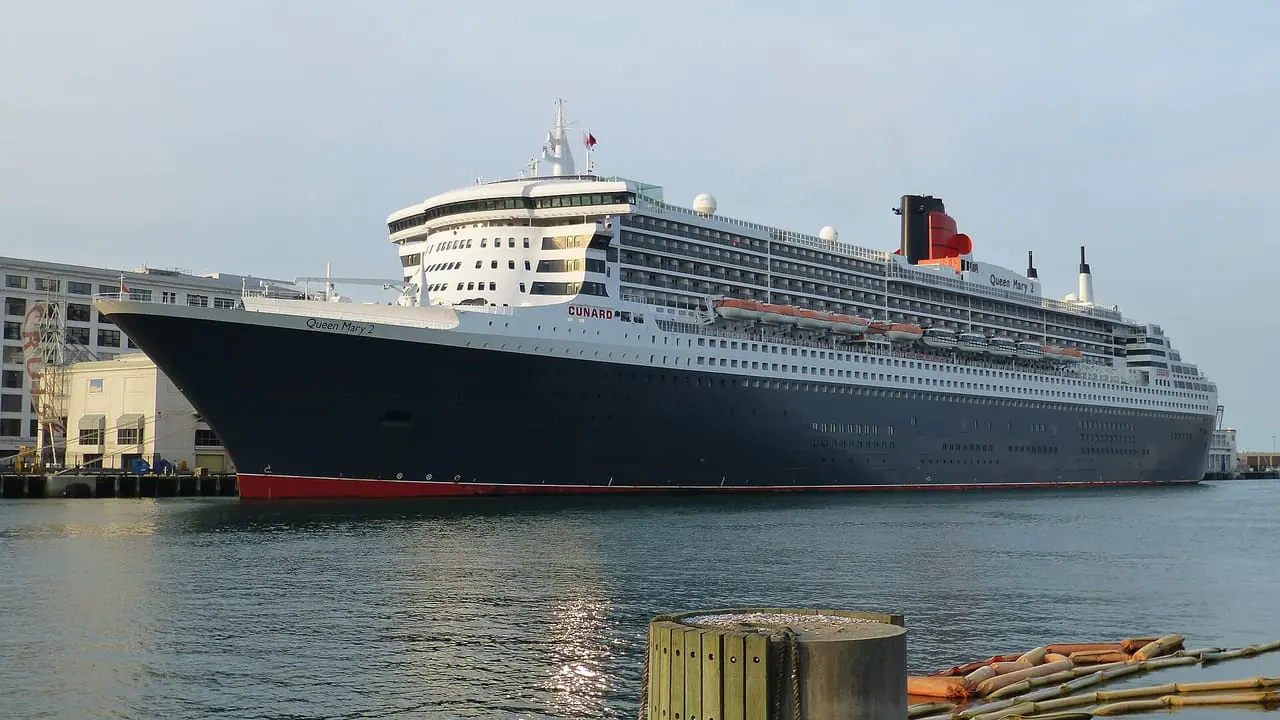
Queen Mary 2
Step 06
Guides, stories, and adventures from CruiseStar bloggers — with ship photos, ratings, and reviews embedded so you can act on what you read.